
Legal · RTP Doors App
RTP Doors App Privacy Policy
What the RTP Doors work app collects about team members and homes, why, who it is shared with, and how long it is kept. Effective date: October 7, 2026.
Free EstimateRTP-····-···· · Warwick Office
Free Estimate
RTP-····-····Warwick Office
Step 1 of 5 · About 1 Minute
What Does Your Home Need?
Pick the closest one. You don't need the right words for it.
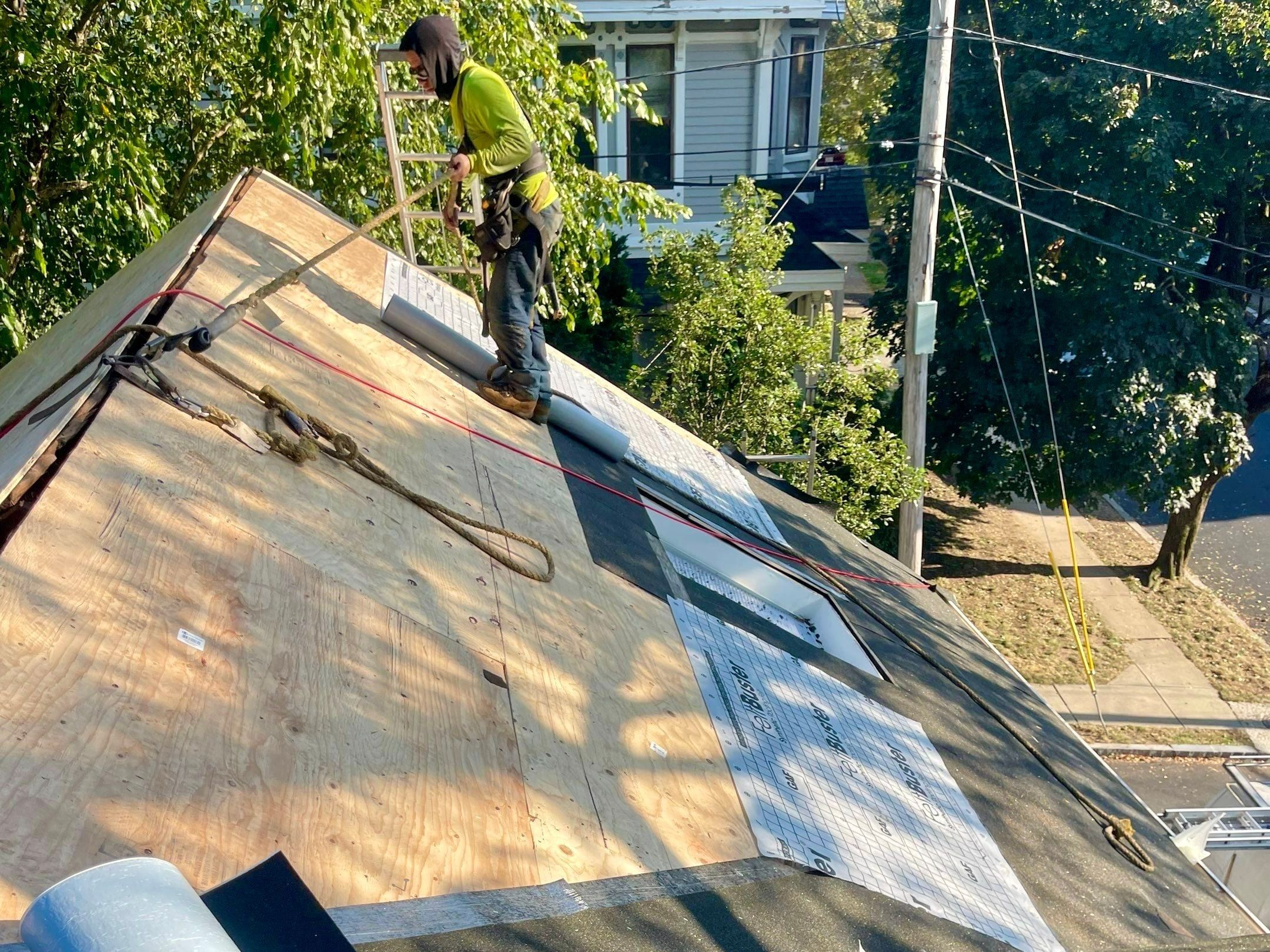
 Something's Leaking or DamagedA stain on the ceiling, water in the attic, missing shingles.
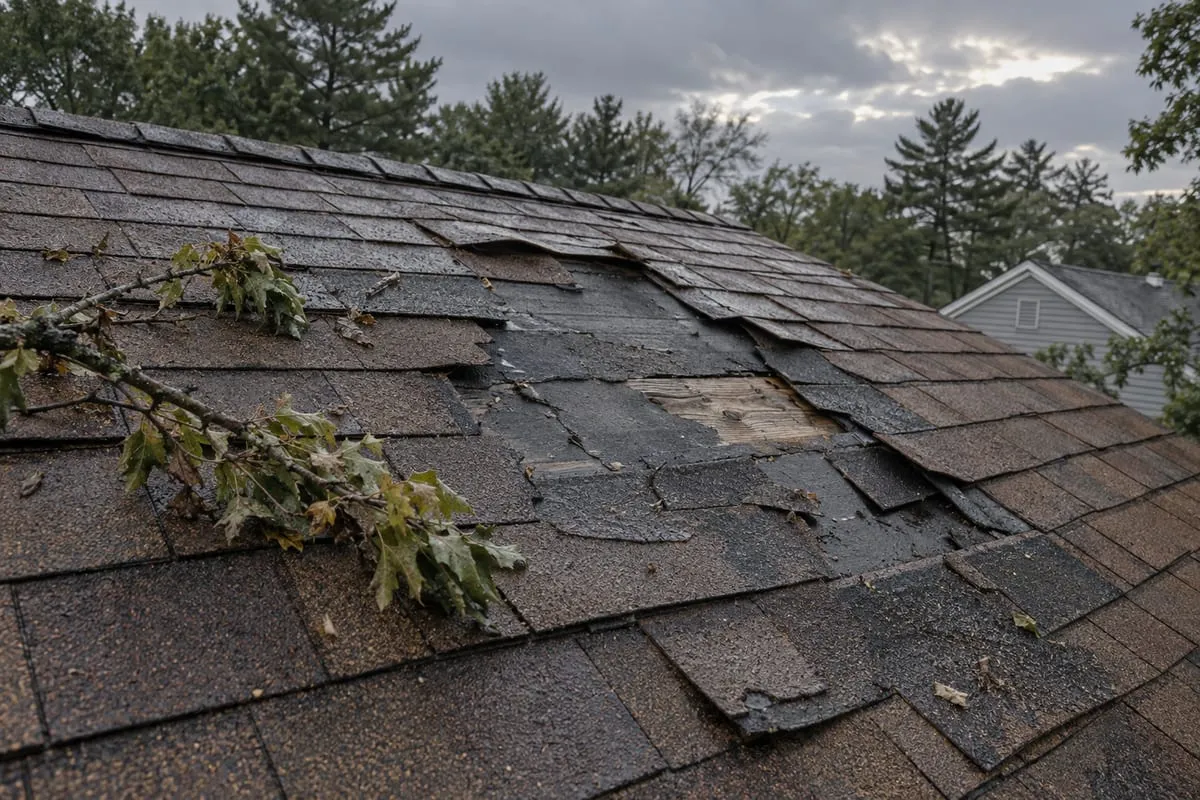
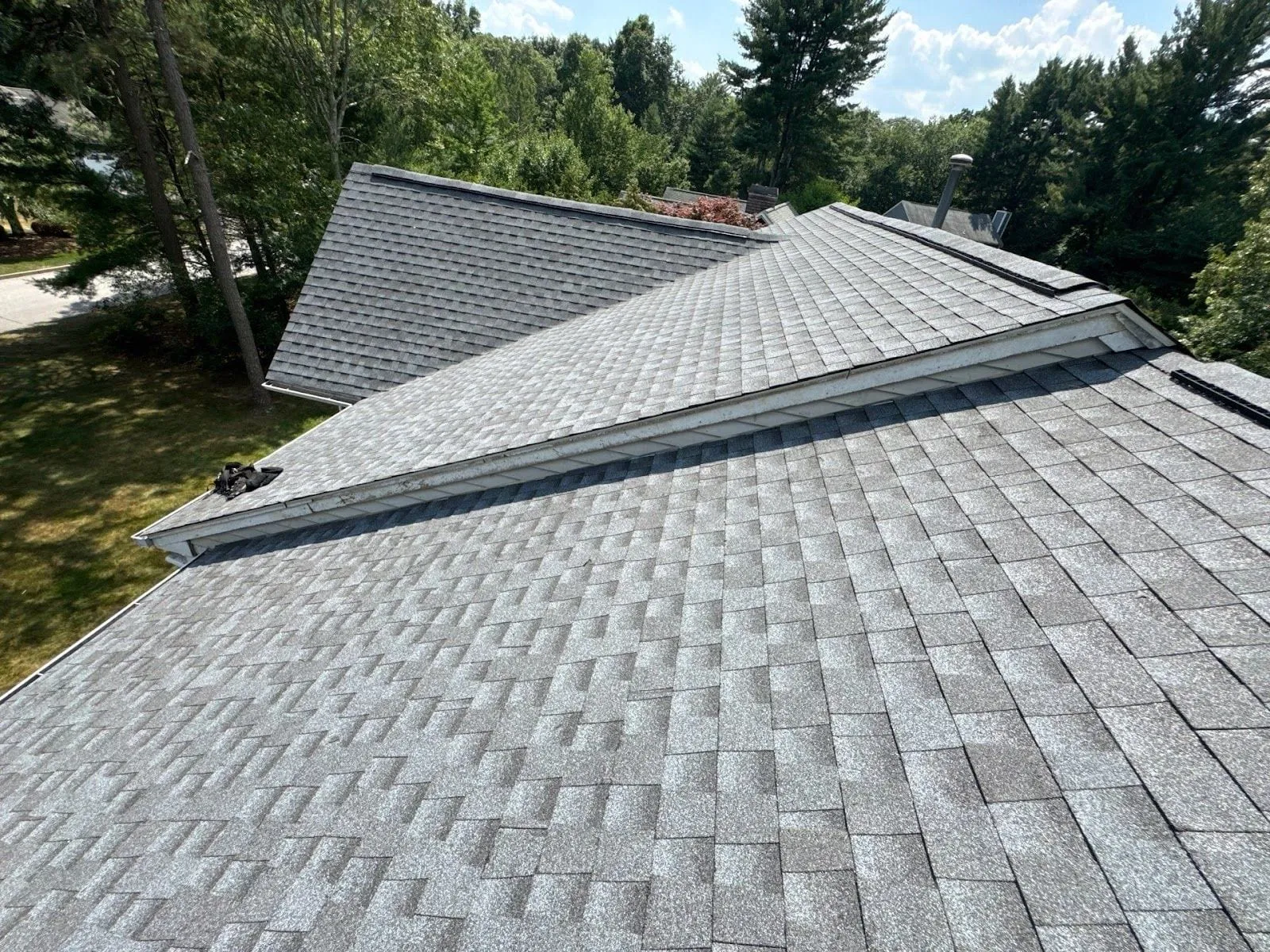 Old Roof, Weighing ReplacementCurling, bald spots, or it's just been a long time.
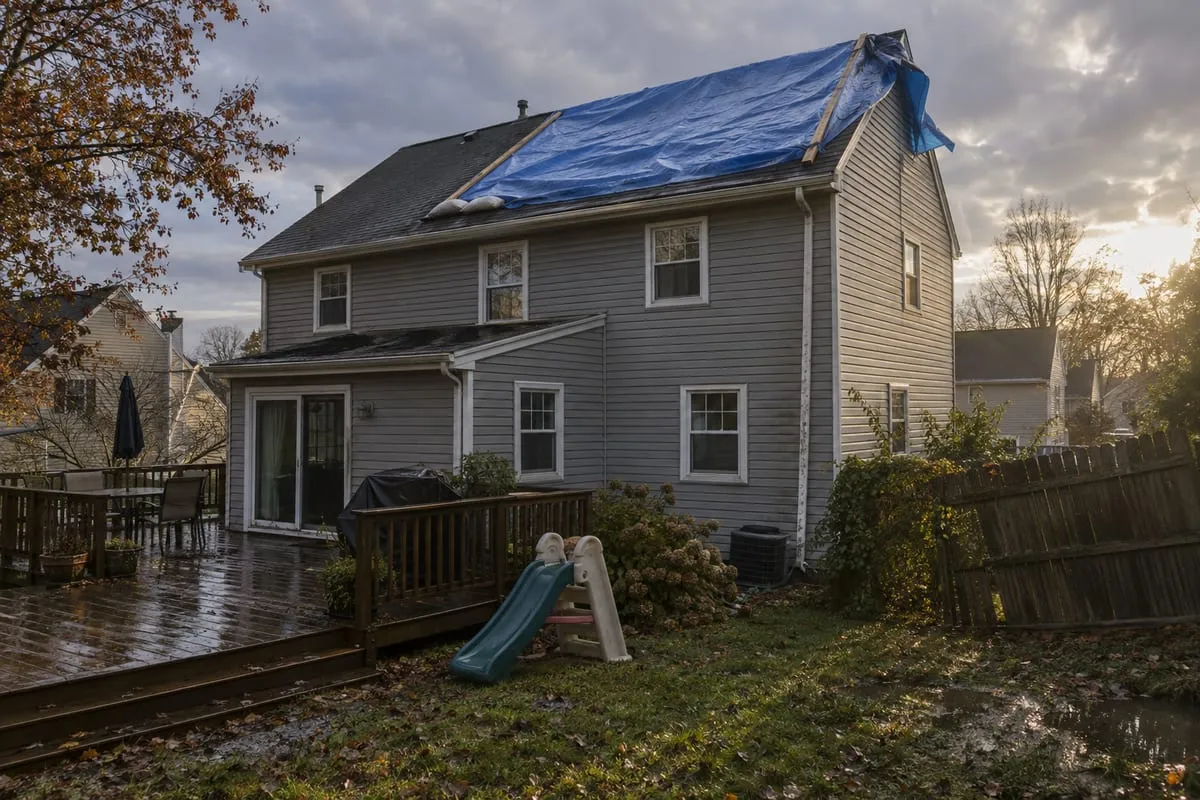 Storm DamageWind, a fallen limb, hail. Claim or no claim.
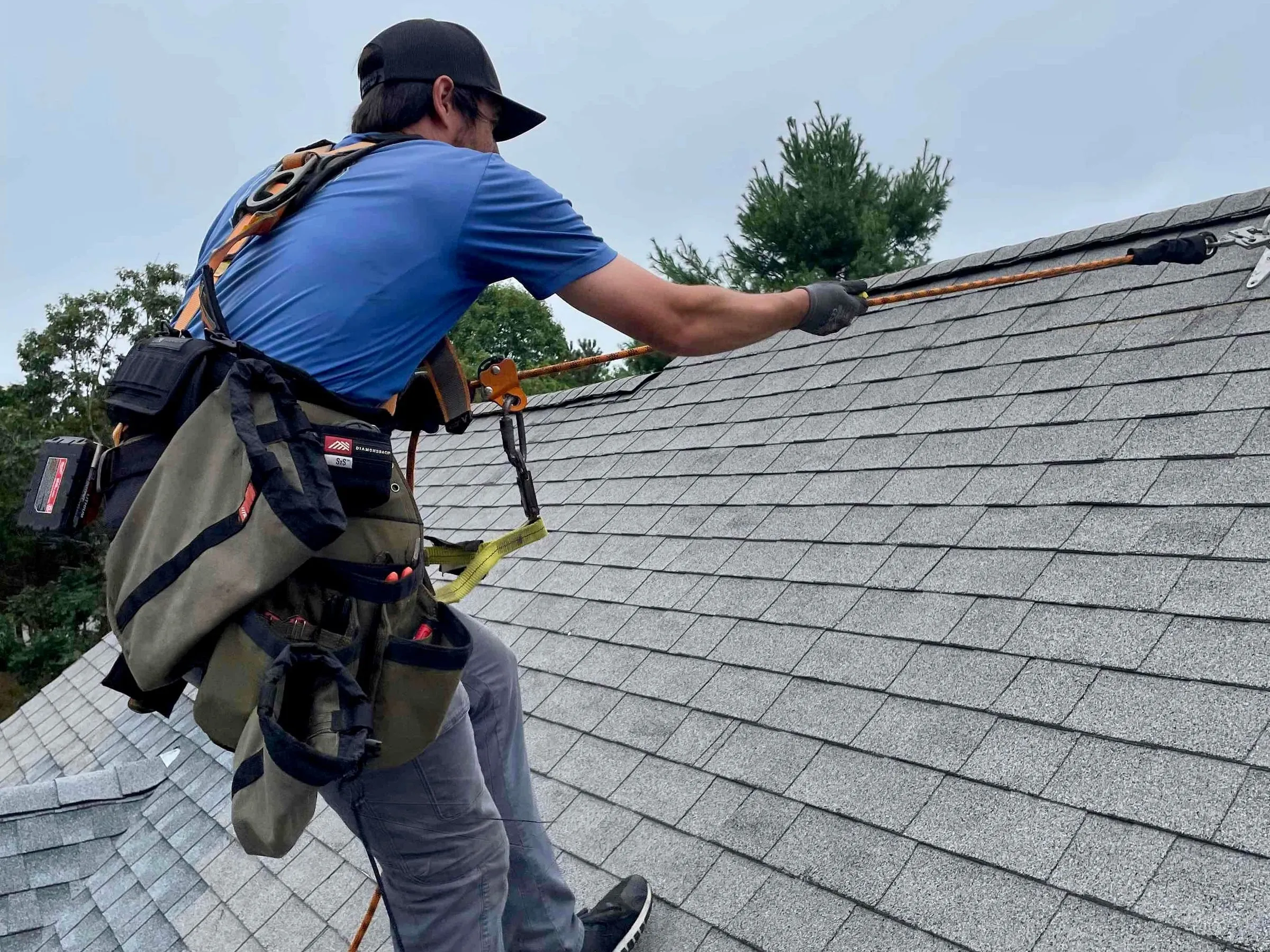 Not Sure, Need an InspectionAn inspection or a second opinion.
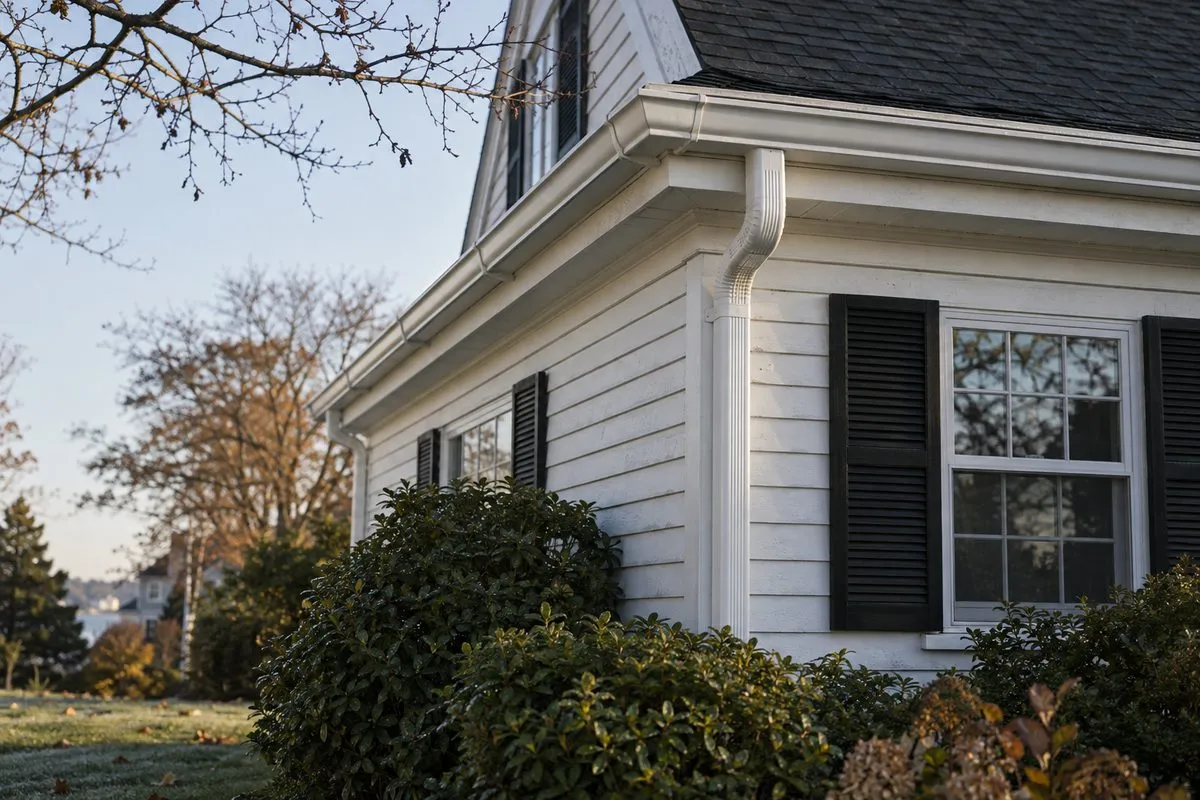 Gutters, Siding or ExteriorGutters, siding, trim, windows, skylights.
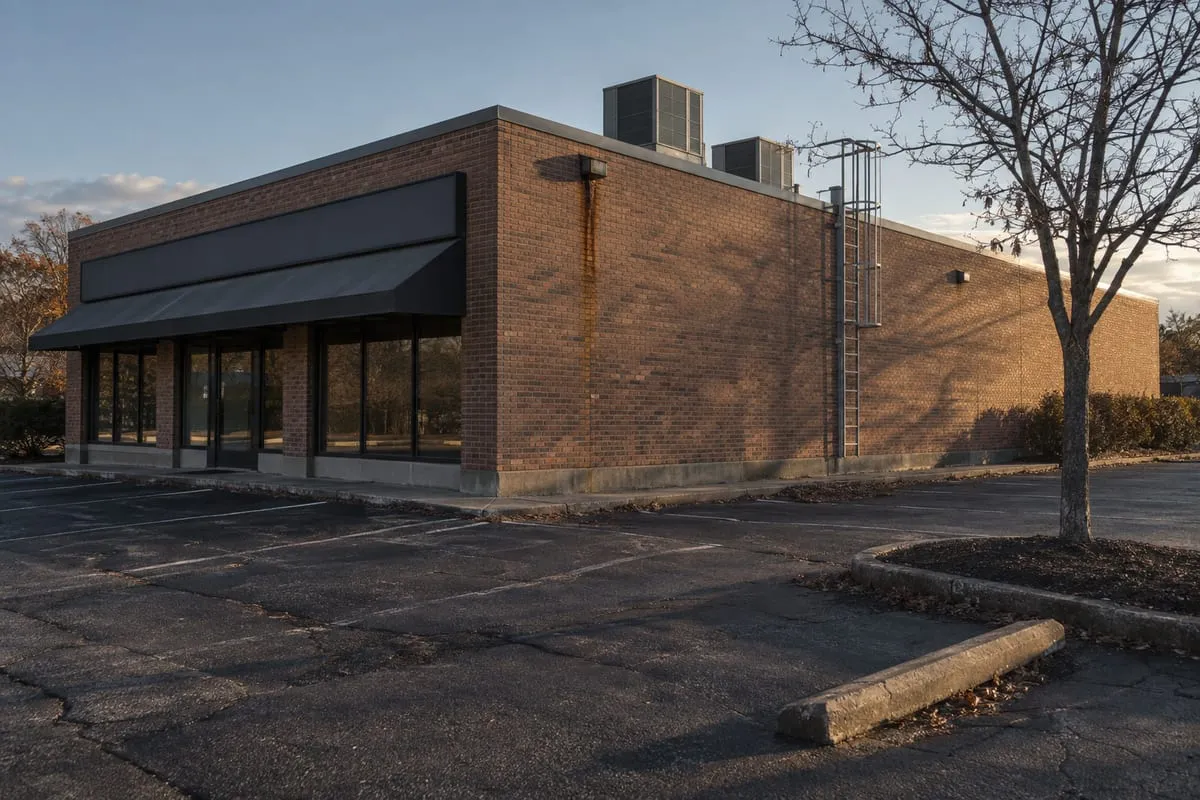 Commercial BuildingFlat or low-slope roofs, maintenance, replacement.
Where Are You Seeing It?
Pick the closest. We'll look at the rest on site.
How Old Is the Roof?
A rough guess is fine.
Have You Started an Insurance Claim?
Either way, we can take a look.
What's Behind the Inspection?
Pick the closest.
Which Part of the Exterior?
Pick the main one. Mention the rest at the end.
What Does the Building Need?
Flat and low-slope roofs included.
What Kind of Property Is It?
When Do You Want It Done?
Where Should We Reach You?
Request Sent
Reference RTP-····-····
We'll reach out from (401) 593-1512 during business hours. Need us sooner? Call that number any time.
Nothing is sent until you say so.
ContinueRather Talk?(401) 593-1512
Who We Are
RTP Doors is a work tool made by RoofTop Power LLC ("Rooftop Power," "we," "us") for its own door-to-door sales representatives and their managers. It has two parts: the RTP Doors phone app (iPhone and Android) and the Doors web app used in a browser. Both talk to the same company server. This policy covers both.
RoofTop Power LLC is a roofing, solar and HVAC company. We decide how the information described here is used. Contact: RoofTop Power LLC, 275 W Natick Road, Suite 800, Warwick, RI 02886, email awesley@rooftoppowerco.com.
Who RTP Doors Is For
RTP Doors is for Rooftop Power team members only. There is no public sign-up. In the phone app you sign in with your company email and a one-time invite code issued by a manager. In the web app you sign in with your company email through Cloudflare Access. A person can use RTP Doors only while a manager has them listed as an active team member. RTP Doors is not for children or anyone under 18.
What We Collect About Team Members
- Account details: your name, company email address, role (rep, manager or administrator), rep type, the products you sell, your daily knock goal, your assigned areas (turfs), and a link to your record in the company's sales system (Podio). We use these to sign you in, decide what you can see, and credit your work.
- Sign-in and device data (phone app): a random ID the app creates for your phone, the phone's model name, sign-in session records (created, last used, expiry), and hashed refresh tokens. Invite codes are stored only as hashes. To stop repeated wrong codes, the server counts failed sign-in attempts by IP address for a short time and then deletes those counts.
- Knocks: for each door you log, the address, the outcome (for example Not Home, Callback, Not Interested, Sold, Do Not Knock), the product discussed (Solar, Roof, HVAC, Other), the reason you select, your note, the time on your phone and the time the server received it, and any follow-up you create (due time and note).
- Location at the moment you log: see "Location" below.
- Door details you add: door notes (you can edit or delete your own), roof type, inquiry type, doors you add to the map, and flags you set on a door.
- Door photos (phone app and web app): photos of a house that you take with your camera or pick from your photo library and attach to a door. The app opens the camera or photo library only when you tap to add a photo, and sends only the photo you choose, re-saved as a smaller JPEG. Each photo is stored in our file storage linked to that door, with your email as the rep who added it and the time it was added and received. You can delete a photo you added.
- Booking files (web app): a photo or PDF of a homeowner's utility bill when you book an appointment, if the homeowner provides one.
- Activity totals: counts of your knocks and outcomes, used for your progress line, team leaderboards and manager reports.
- Account deletion requests: when you request deletion from the Me screen in the phone app or the web app, we record the request, the time, and who handled it.
Location
RTP Doors never tracks your location in the background, when the app is closed, or when your phone is locked. It reads your location only while it is open on screen and you have allowed it. Readings saved with your records are kept as described below.
- To show nearby doors: your location is used on your phone to list and map the doors around you.
- One reading when you log: when you log a knock or add a door and location is available, one location reading is taken at that moment and sent with it (latitude, longitude and accuracy). If location is off or unavailable, the record is saved without one. The server measures the distance from that reading to the door and marks the record as near the door, not near the door, or no location. Managers can see that mark and the reading.
- Roof data check (web app): before the web app fetches roof data for a door, the server checks that your most recent shared location is close to that door.
- Live team map (web app, optional): in the web app you can choose to share your live location with managers. It is off until you turn it on, it is sent only while the web app is open and visible (about every 30 seconds), and you can turn it off at any time. Shared positions are kept in server memory only: a position is shown as stale after 90 seconds and is removed after 15 minutes. It is not written to the database.
You can turn location off in your phone or browser settings at any time. The app then cannot list nearby doors or record where a knock was logged.
Homeowner and Property Information
RTP Doors shows reps and managers information about homes in their areas. It comes from these sources:
- Public property records: property owner names and addresses from public assessor (property tax) records published by the state or town, such as MassGIS for Massachusetts and the Rhode Island towns that publish owner data. Owner names can be out of date. Reps see owner names only for doors in their own areas.
- Company records: existing customers, past installs, open and past leads, appointment results, leads that did not qualify for financing, and past door-knocking records from the company's earlier prospecting tools. These come from the company's own sales systems (Podio and GoHighLevel). Some of these layers are visible only to the rep who owns the lead and to managers.
- Recent home sales: addresses of recently sold homes, with the sale date and, when available, the price.
- Roof and solar data: roof size, pitch and solar potential estimates for an address, from Google's Solar API and our own roof measurement service. These describe the building, not a person.
- What reps enter: knock outcomes, notes, photos, roof type and inquiry type for a door, and Do Not Knock requests. When a rep books an appointment in the web app, the homeowner's name, phone number, email address, property address, the products they are interested in, roof type and age, average monthly utility bill, utility company, appointment time and the rep's notes are collected, and a utility bill photo or PDF if the homeowner provides one.
Please keep notes to what the sales process needs. A Do Not Knock request is kept, separately from the 24-month limit on knock records below, so the team does not knock that door again.
Why We Use Information
- To run door-to-door sales: show each rep the doors in their area, record what happened at each door, and plan follow-ups and routes.
- To book appointments and keep customer records in the company's sales systems.
- To check that knocks were logged at the door, coach reps, and report on team activity.
- To respect Do Not Knock requests.
- To keep accounts secure and the service working.
What We Do Not Do
- We do not sell personal information or share it for advertising.
- We do not show ads.
- We do not use advertising, analytics or crash-reporting services in RTP Doors.
- We do not track you across other companies' apps or websites.
- The phone app does not use the microphone and does not send push notifications. It uses the camera and photo library only when you choose to add a door photo.
Where Information Is Stored
On your phone, the app keeps a private local database of saved doors and knocks that have not yet been sent (so it works with no signal), door photos that have not yet been sent, and your sign-in tokens in the phone's secure storage (iOS Keychain or Android Keystore). Signing out deletes them from the phone.
In the web app, door photos that have not yet been sent are kept in that browser's storage on your device until they are sent, so a photo taken with no signal is not lost.
On our servers (Cloudflare), we keep account details, knock records, notes, follow-ups, bookings and device sessions in our database, and door photos and booking files in our file storage (Cloudflare R2). Data travels between your phone or browser and our servers over encrypted HTTPS connections.
How Long We Keep Information
- Account data: while you have access to RTP Doors, plus 12 months. If an administrator carries out your account deletion request, it is deleted then instead (see below).
- Knock records, notes, door photos and location readings in RTP Doors: up to 24 months, then deleted or anonymized. A door photo you delete is removed from file storage right away.
- Booking files in RTP Doors: a utility bill photo or PDF uploaded with a booking is deleted from RTP Doors within 24 months. The copy attached to the customer record in GoHighLevel or Podio follows the "Bookings and customer records" item below.
- Homeowner public-record data: refreshed from the public source, and removed when it is no longer in the source.
- Do Not Knock requests: the address and the date of the request are kept for as long as the address is in our door list, so the team does not knock it again. The rest of that knock record follows the 24-month limit.
- Live team map positions: removed after 15 minutes, never stored in the database.
- Sign-in: phone sessions expire after 90 days without use; invite codes expire (72 hours by default); failed sign-in counts are deleted after a short window.
- Bookings and customer records sent to GoHighLevel and Podio are kept there as company customer records under the company's own record-keeping.
- On your phone: signing out deletes saved doors, waiting knocks, waiting photos and tokens from the app.
Your Choices and Requests
- Sign out, or sign out of every device, from the Me screen in the phone app.
- Request account deletion: in the phone app or the web app, open Me, then "Request account deletion" (in the web app it is under "Delete my account"). This records your request for an administrator and signs you out of the phone app on every phone. The request by itself does not delete anything; an administrator reviews each request.
- How a deletion request is carried out: an administrator handles requests in Manage, People. Only an administrator can erase a person, only after that person has been deactivated, which ends their access (or after their account has already been removed), and only after typing the person's email to confirm. Erasing:
- deletes your account record, your phone sign-ins and invites, your assigned areas, your follow-ups and your roof-lookup history;
- deletes the door photos you added from our file storage;
- clears the location readings saved with your knocks and with doors you added;
- removes your name and email from the knocks, notes, door details and bookings you created and replaces them with a random anonymous ID that does not link back to you. Those records stay under that ID so door history and team totals stay correct, and they follow the retention periods above;
- removes you from the live team map.
- What is kept after an erase: one record that the erase happened, with who did it, when, how many records were changed, and a one-way code (a hash) made from your email, so we can later confirm you were erased without keeping your email address. Bookings and customer records already sent to GoHighLevel or Podio are company customer records and are not changed by the erase.
- Access, correction or deletion: email awesley@rooftoppowerco.com with your request. We will respond within a reasonable time and as the law requires.
- Location: change or turn off location permission in your phone or browser settings, and turn live location sharing on or off in the web app.
Security
We protect information with encrypted connections, short-lived access tokens (15 minutes) with rotating refresh tokens, hashed invite codes that expire, sign-in lockouts after repeated wrong codes, secure on-device storage for tokens, company-email sign-in for the web app, and immediate loss of access when a manager removes a person. No system is perfectly secure. If you think your account was used by someone else, sign out of every device and contact us.
Children
RTP Doors is a business tool for adult team members. It is not directed to children, and we do not knowingly collect information from anyone under 18.
Changes to This Policy
We may update this policy. We will post the new version at this address and change the effective date. For a material change we will also tell users in the app or through their managers. This version is effective October 7, 2026.
Contact Us
RoofTop Power LLC, 275 W Natick Road, Suite 800, Warwick, RI 02886. Email awesley@rooftoppowerco.com.
Questions About the RTP Doors App?
Email awesley@rooftoppowerco.com and we will answer.